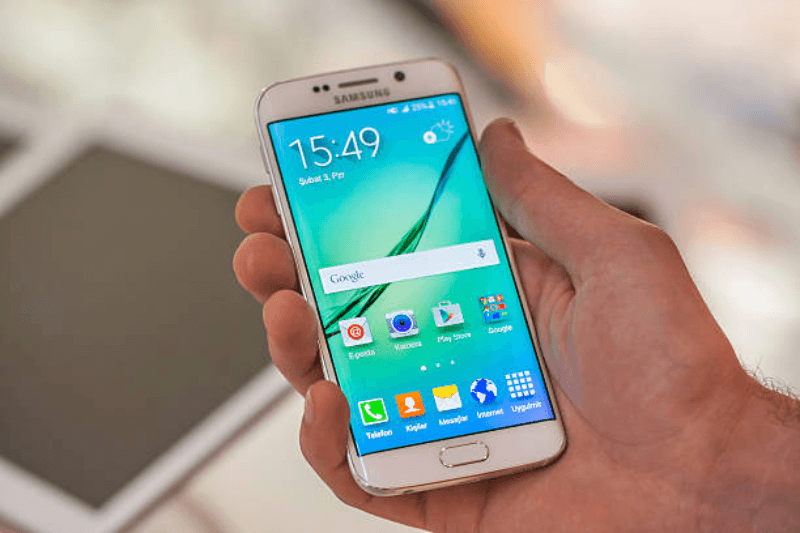
Is Samsung Messages Shutting Down? Official End-of-Service Dates Explained
Samsung has officially said that its Messages app will no longer be available after July 2026. Users are encouraged to switch to Google Messages to keep using the service. This change is in line with Samsung’s move to use Google’s RCS-based messaging standard on all Galaxy devices.
Official Announcement Details
Samsung posted an “End of Service” notice on its support site, stating the Messages app will stop working in July 2026. This affects Galaxy users on Android 12 and newer, but older devices running Android 11 or below will remain unaffected. After the shutdown, you won’t be able to send or receive regular messages via the app; only emergency calls will work. The timeline gives you about 12 weeks from early April 2026, so act soon to avoid disruptions.
Why Is Samsung Ending Messages?
In 2024, Samsung started sending new Galaxy phones like the S26 series to Google Messages by default. This makes the Android experience more unified by adding RCS features like read receipts, typing indicators, and sharing high-quality media. Google Messages is a better long-term choice because it protects against spam better and works on more than one platform.
Samsung Messages had cool features like chat backgrounds, but they’re going away to make things more consistent.
What Happens After July 2026?
After July, the app will no longer be available for download from the Galaxy Store, and core functions will stop working on supported devices. Newer phones don’t even bother with it. Samsung gives you a prompt in the app to move your chats to Google Messages without any problems.
Your messages won’t automatically delete, but you’ll have to do it yourself.
Step-by-Step Switch Guide
Follow these simple steps to transfer everything without losing data:
- Open Samsung Messages; look for the upgrade banner.
- Tap to download/install Google Messages (pre-installed on many devices).
- Grant permissions and let it import chats—takes minutes.
- Set Google Messages as default in Settings > Apps > Default apps > SMS app.
- Test by sending a message; RCS activates if both sides support it.
Back up first via Samsung Cloud or export chats manually.
Regional and Device Differences
The July 2026 cutoff applies globally, but check your app for exact local dates—some regions like the US saw notices first. Galaxy S26 users can’t even install Samsung Messages now. Foldables and tablets on Android 12+ follow the same rules.
Benefits of Google Messages
- RCS chats with iPhone users (via future updates).
- End-to-end encryption for RCS.
- Smarter spam filters and web access.
- Consistent across all Android brands.
It’s an upgrade for most daily users.
FAQs
When does Samsung Messages officially close?
For Android 12 and up devices, July 2026 is the date. The exact date may be different in different areas, so check your app notice.
Will I lose my old chats?
No, you need to move to Google Messages using the in-app tool before the deadline.
Can I still use Samsung Messages after I turn it off?
No for regular messaging; only emergencies work on the affected devices.
Is this just for new phones like the Galaxy S26?
Not all Android 12+ Galaxies; older ones (Android 11-) are fine.
How do I make a backup before I switch?
Samsung Cloud sync or export threads in the app; Google Messages imports them automatically.
Why should you switch to Google Messages now?
Samsung is pushing it as the default since 2024 because it has better RCS, spam protection, and is future-proof.
Summary:
Samsung says that its Messages app will stop working on Android 12+ devices in July 2026, making Google Messages the default app. Learn about exact timelines, what happens next, backup tips, and why RCS wins—all in simple terms.